
The fitting room
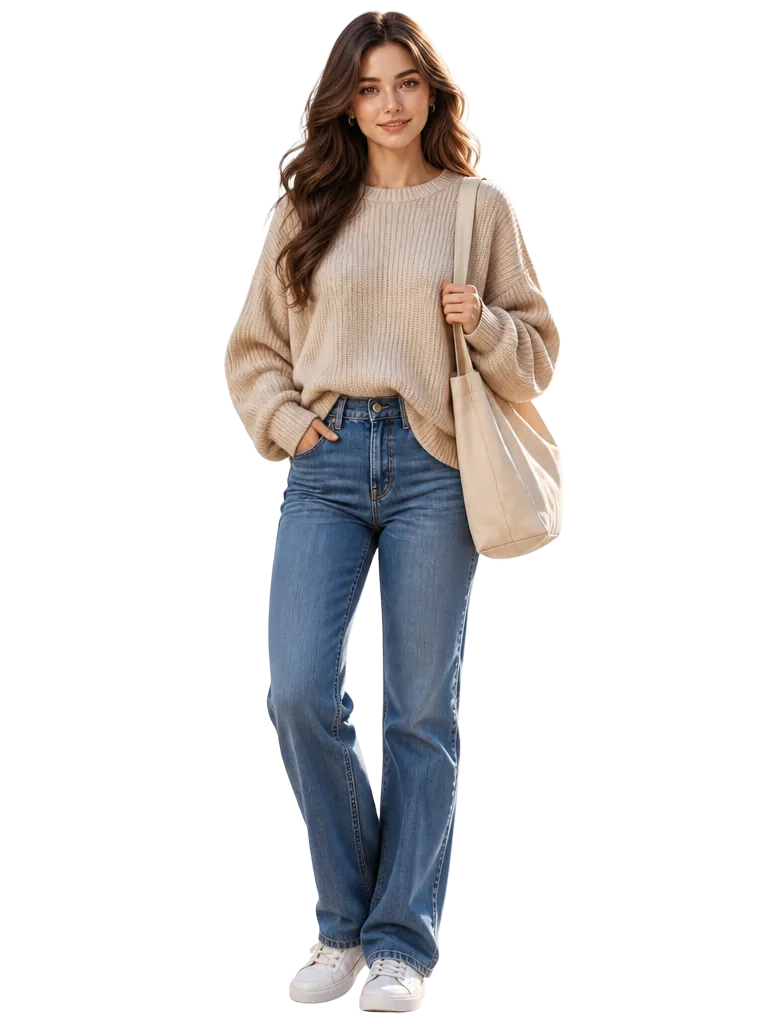
Virtual try on clothes — on your body, not a stock model
Screenshot anything from an online shop and render it on your own avatar before you pay. No more guessing whether the cut, colour or proportion works on you — and no more returns because the product photo lied.
How virtual try on works
- 01
Photograph yourself
Five guided shots plus height, weight and build. Each photo is checked live for framing, lighting and pose so the avatar matches your real proportions.
- 02
Add the item
Paste a screenshot from any retailer or photograph a piece you own. Colour, fabric and formality are tagged automatically.
- 03
Try it on
The fitting room renders the item on your avatar, surrounded by clothes you already own, so you judge the whole look and not just the product shot.
- 04
Compare, then decide
See it side by side against your current look, rotate front to back, and save it to a wishlist instead of your basket.
What the fitting room gives you
- A photoreal render of the item on an avatar with your height, weight and build.
- Side-by-side comparison against the look you already wear.
- 360° rotation front to back, plus zoom, to inspect fit and detail.
- The rest of the outfit built from clothes you already own.
- A wishlist you can revisit, rate and share by link before buying.
Where virtual try on is honest about its limits
A generated render shows style, proportion and colour convincingly. It cannot promise a size 10 will fit where a brand runs small, and it cannot predict how a fabric behaves after a wash. Treat it as the visual half of the decision and keep checking the size chart for the numerical half. Our AI clothes changer guide walks through the full workflow.
Virtual try on questions
Try your next buy on yourself first
Free to build your avatar and wardrobe, with 5 days of AI styling included.